Step 01
Upload audio
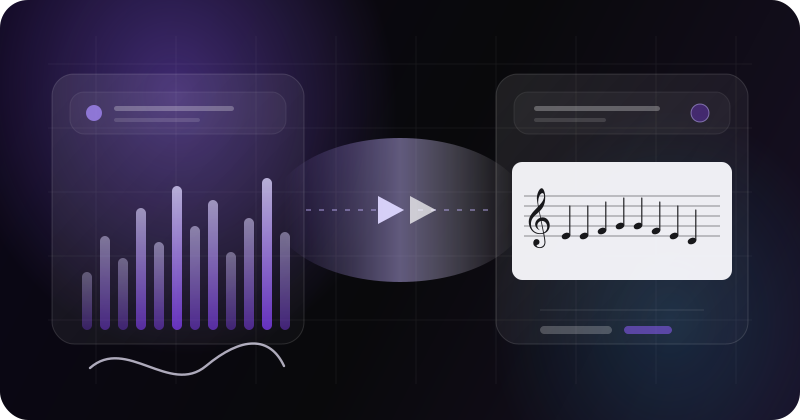
MP3 / WAV supported. A secure analysis job starts as soon as you upload.
Upload audio, extract the lead melody, and get a score you can preview and download. AI is a starting point — your judgement shapes it for practice and performance.
From analysis to a draft you can keep Refining
Upload audio, extract the lead melody, and get a score you can preview and download. AI is a starting point — your judgement shapes it for practice and performance.
Simple process
Upload, analyse, generate, and save — one clear flow for solo melodies and vocal lead lines.
Step 01
MP3 / WAV supported. A secure analysis job starts as soon as you upload.
Step 02
Filter background noise and capture the core melody, rhythm, and dynamics.
Step 03
Preview MusicXML (editable score format) / PDF, add it to My Collection, and re-download when needed.
Three core pillars
DoPro doesn’t replace musicians. It handles the slow first pass and stem prep — you keep the musical decisions.
Real tracks are dense. DoPro finds clearer melody candidates, then Melody Selector lets you compare parts, audition waveforms, and pick the line for your practice draft. Use Advanced Options for tempo or key overrides when you need a draft that fits how you play.
Candidates, waveform preview, overrides
Part #2 · 412 notes · Melody score 94%
Tap waveform to preview
Part #4 · 280 notes
Melody score 81%
Tap waveform to preview
Part #5 · 344 notes
Melody score 72%
Tap waveform to preview
Candidates, waveform preview, overrides
Keep the clearest melody line
Key override
Bb major
Tempo override
Use detected
Time signature
Auto detected
Violin range
Full range
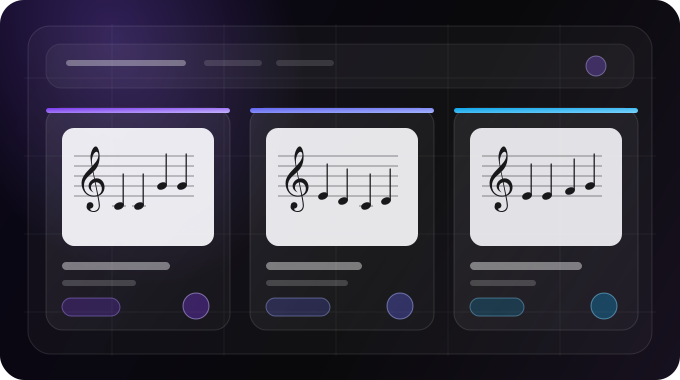
AI transcription isn’t perfect — rhythm, pitch, and part splits can be wrong. The Community Hub exists so members can help each other: browse versions others have improved, upload your own refinements, and turn an AI first pass into something more usable for practice. Preview for free; Add to My Collection when you’re ready to download and keep Refining.
Multiple versions, ready to collect
Unlock a Stem Pack (separated audio files) after transcription, or create stems on their own. Choose drums, bass, piano, guitar, vocals, or other — then download a practice mix or a ZIP of separate files.
Select stems, then download as a mix or ZIP
5 stems selected
Available until Oct 3, 2026
Select stems, then download.
Works with your tools
Export MusicXML and multi-page PDF for MuseScore, Sibelius, Finale, and similar tools. AI handles the slow first pass; you finish the details.